
In today’s hyper-connected world, cybersecurity is no longer optional—it’s essential. From small businesses to global enterprises, everyone is a target for cyber threats. Whether you’re managing client data, running e-commerce stores, or simply browsing online, adopting Cybersecurity Best Practices can protect you from costly breaches, identity theft, and operational disruptions.
This guide breaks down everything you need to know about securing your digital presence with practical, easy-to-implement strategies.
Why Cybersecurity Matters More Than Ever
Cyberattacks are increasing in both frequency and sophistication. Hackers now use advanced tools like AI-driven malware, phishing automation, and ransomware-as-a-service platforms. For businesses, a single breach can lead to financial loss, reputational damage, and legal consequences.
For individuals, compromised data can mean stolen identities, drained bank accounts, and privacy violations. That’s why understanding and applying Cybersecurity Best Practices is critical for everyone—not just IT professionals.
Common Cyber Threats You Should Know
Before diving into solutions, it’s important to understand the threats:
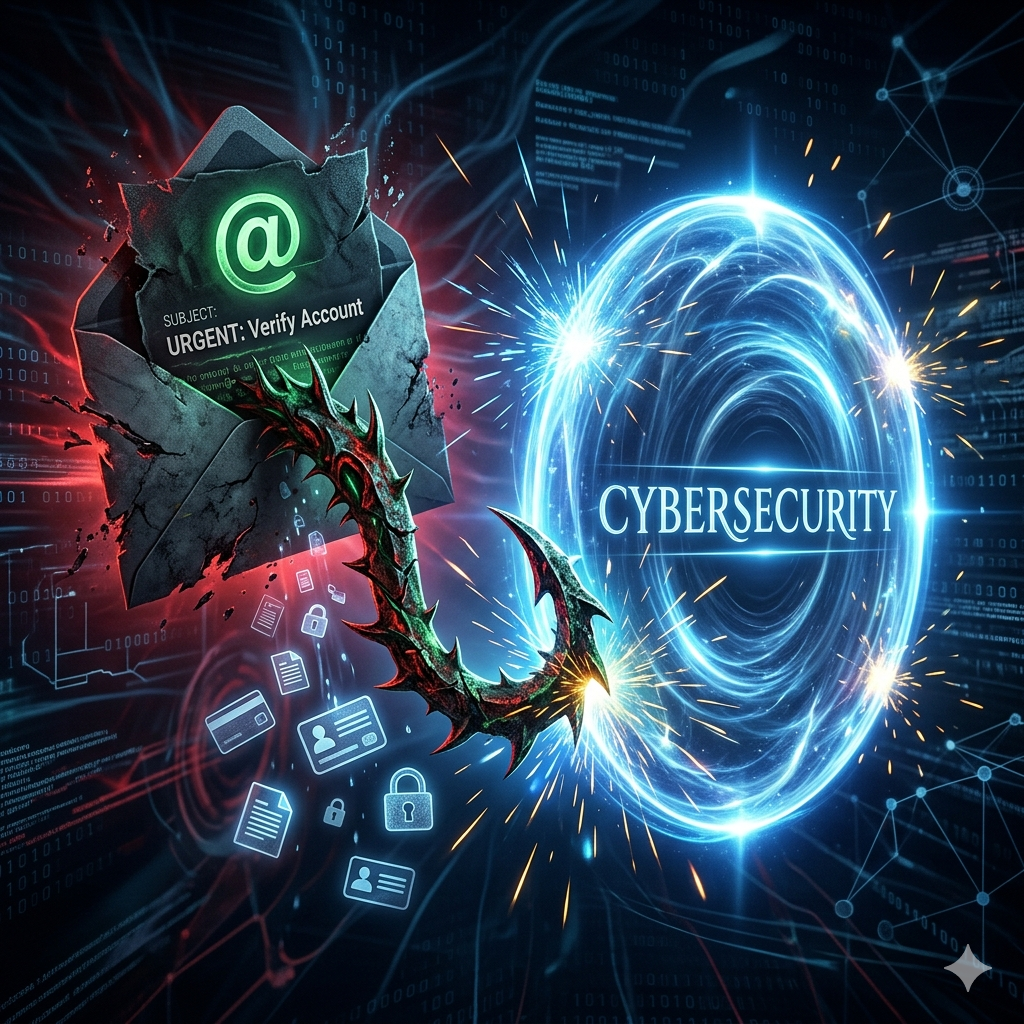
- Phishing attacks: Fake emails or messages designed to steal sensitive data
- Malware: Malicious software that infects devices and steals or destroys data
- Ransomware: Locks your files until a payment is made
- Man-in-the-middle attacks: Intercept communication between two parties
- Password attacks: Brute force or credential stuffing attempts
Knowing these threats helps you stay alert and proactive.
Strong Password Management
Weak passwords are one of the most common entry points for hackers. Using “123456” or “password” is practically an open invitation.
To strengthen your security:
- Use long, complex passwords with letters, numbers, and symbols
- Avoid reusing passwords across platforms
- Use a reliable password manage
- Enable multi-factor authentication (MFA)
Implementing these Cybersecurity Best Practices significantly reduces the risk of unauthorized access.
Enable Multi-Factor Authentication Everywhere
Multi-factor authentication adds an extra layer of protection. Even if someone gets your password, they still need a second verification step.
Common MFA methods include:
- One-time codes sent via SMS or email
- Authentication apps like Google Authenticator
- Biometric verification (fingerprint or face recognition)
Businesses that enforce MFA across all systems drastically reduce account compromise risks.
Keep Software and Systems Updated
Outdated software is a goldmine for hackers. Developers regularly release updates to fix vulnerabilities, and ignoring them leaves your systems exposed.
Best practices include:
- Enable automatic updates whenever possible
- Regularly update operating systems, apps, and plugins
- Remove unused or outdated software
Staying updated is one of the simplest yet most effective Cybersecurity Best Practices you can follow.
Secure Your Network
Your network is the gateway to your data. If it’s not secure, everything connected to it is vulnerable.
Here’s how to protect it:
- Use strong Wi-Fi passwords
- Change default router settings
- Enable network encryption (WPA3 preferred)
- Set up firewalls
- Use VPNs for remote access
For businesses, segmenting networks can further limit damage if a breach occurs.
Data Backup and Recovery Planning
Imagine losing all your business data overnight. Without backups, recovery may be impossible.
A solid backup strategy includes:
- Regular automated backups
- Storing backups in multiple locations (cloud and offline)
- Testing recovery processes periodically
This ensures that even in a ransomware attack, you can restore your data without paying a ransom.
Employee Awareness and Training
Human error is one of the biggest cybersecurity risks. Employees often fall victim to phishing scams or unintentionally expose sensitive information.
Training should cover:
- Recognizing suspicious emails and links
- Safe browsing habits
- Proper data handling procedures
- Reporting security incidents quickly
Organizations that invest in training see a dramatic reduction in security breaches. This is a core part of Cybersecurity Best Practices for any team.
Secure Your Devices
Every device connected to the internet is a potential entry point for attackers.
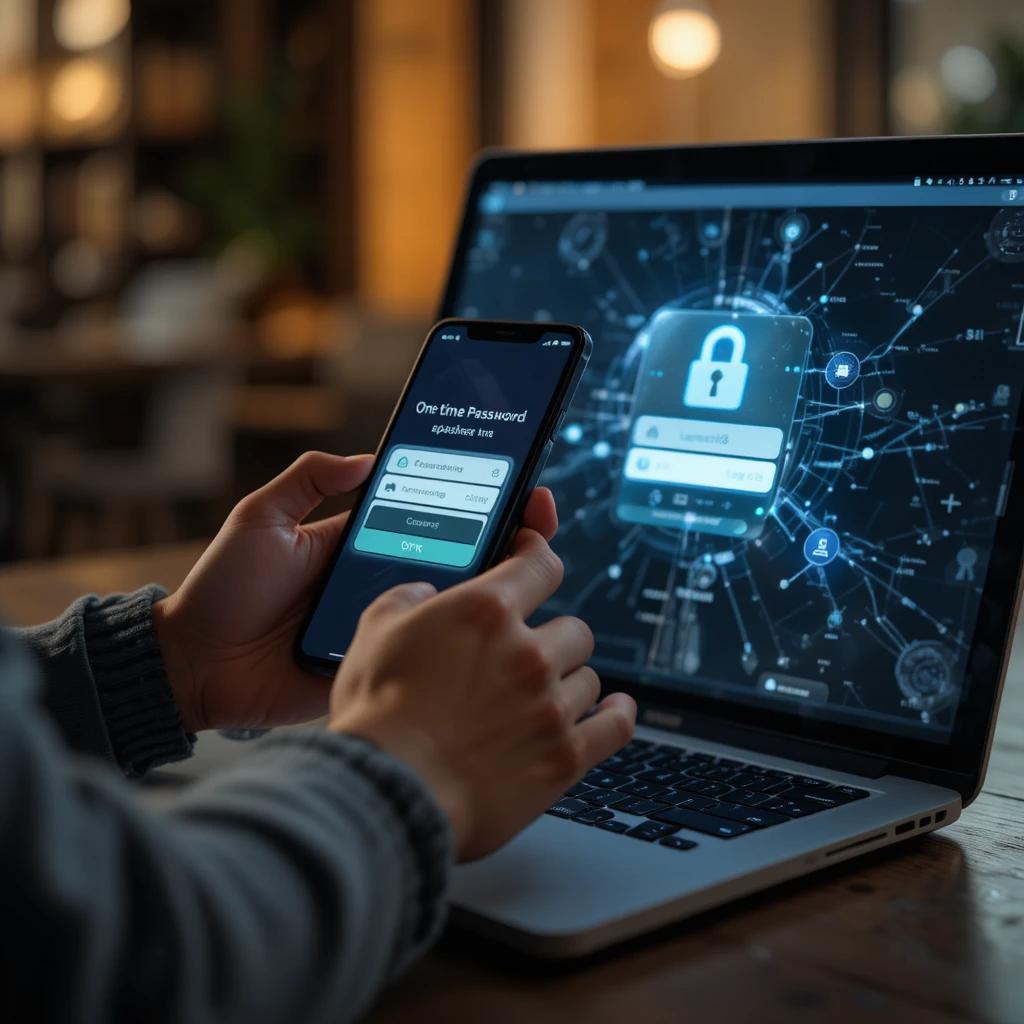
To protect your devices:
- Install antivirus and anti-malware software
- Use device encryption
- Lock devices when not in use
- Avoid using public computers for sensitive tasks
Mobile devices should also have security apps and remote wipe capabilities enabled.
Practice Safe Browsing Habits
Many cyber threats originate from unsafe browsing behavior.
Follow these guidelines:
- Avoid clicking unknown links or pop-ups
- Only download files from trusted sources
- Check URLs carefully before entering sensitive data
- Use HTTPS websites
These simple habits can prevent many attacks before they even begin.
Implement Access Control
Not everyone in your organization needs access to all data.
Apply the principle of least privilege:
- Give users only the access they need
- Regularly review permissions
- Remove access for inactive users
This limits damage if an account is compromised.
Monitor and Respond to Threats
Prevention is important, but detection is equally critical.
Use tools like:
- Security monitoring software
- Intrusion detection systems
- Log analysis tools
Have an incident response plan ready so your team knows exactly what to do during a breach.
Protect Sensitive Data
Data is one of your most valuable assets. Protecting it should be a top priority.
Steps include:
- Encrypting sensitive data
- Using secure file-sharing methods
- Masking or anonymizing data when possible
- Complying with data protection regulations
These measures ensure your data remains secure both in transit and at rest.
Cloud Security Considerations
Many businesses now rely on cloud services. While convenient, they come with unique risks.
To stay secure:
- Choose reputable cloud providers
- Enable strong access controls
- Monitor cloud activity
- Regularly audit configurations
Cloud security is an essential part of modern Cybersecurity Best Practices.
Internet of Things (IoT) Security
Smart devices like cameras, thermostats, and wearables can be vulnerable if not properly secured.
To protect IoT devices:
- Change default credentials
- Update firmware regularly
- Disable unnecessary features
- Isolate them on a separate network
Ignoring IoT security can create hidden vulnerabilities in your system.
Regular Security Audits
You can’t improve what you don’t measure. Regular audits help identify weaknesses before attackers do.
Audit practices include:
- Vulnerability assessments
- Penetration testing
- Compliance checks
These proactive steps help maintain a strong security posture.
The Role of AI in Cybersecurity
Artificial intelligence is transforming both cyberattacks and defenses. While hackers use AI to automate attacks, security professionals use it to detect threats faster.
AI-powered tools can:
- Analyze patterns in real-time
- Detect anomalies
- Automate responses
Staying updated with these technologies is becoming part of advanced Cybersecurity Best Practices.
Frequently Asked Questions
What are cybersecurity best practices?
Cybersecurity best practices are proven methods and strategies used to protect systems, networks, and data from cyber threats. They include password security, updates, backups, and safe online behavior.
Why are cybersecurity best practices important for businesses?
They help prevent data breaches, financial loss, and reputational damage. Strong security also builds customer trust and ensures compliance with regulations.
How often should I update my software for security?
You should update software as soon as updates are available. Regular updates fix vulnerabilities and protect against newly discovered threats.
What is the role of multi-factor authentication in security?
Multi-factor authentication adds an extra verification step beyond passwords. It significantly reduces the risk of unauthorized access even if credentials are compromised.
Can small businesses benefit from cybersecurity best practices?
Yes, small businesses are common targets for cyberattacks due to weaker defenses. Implementing basic security measures can greatly reduce risks and protect sensitive data.
Final Thoughts
Cybersecurity is an ongoing process, not a one-time setup. As threats evolve, so must your defenses. By implementing these Cybersecurity Best Practices, you can significantly reduce your risk and protect your digital assets.
Whether you’re a freelancer, business owner, or enterprise leader, taking proactive steps today can save you from serious consequences tomorrow. Start small, stay consistent, and build a culture of security awareness around you.
Your digital safety depends on it.